
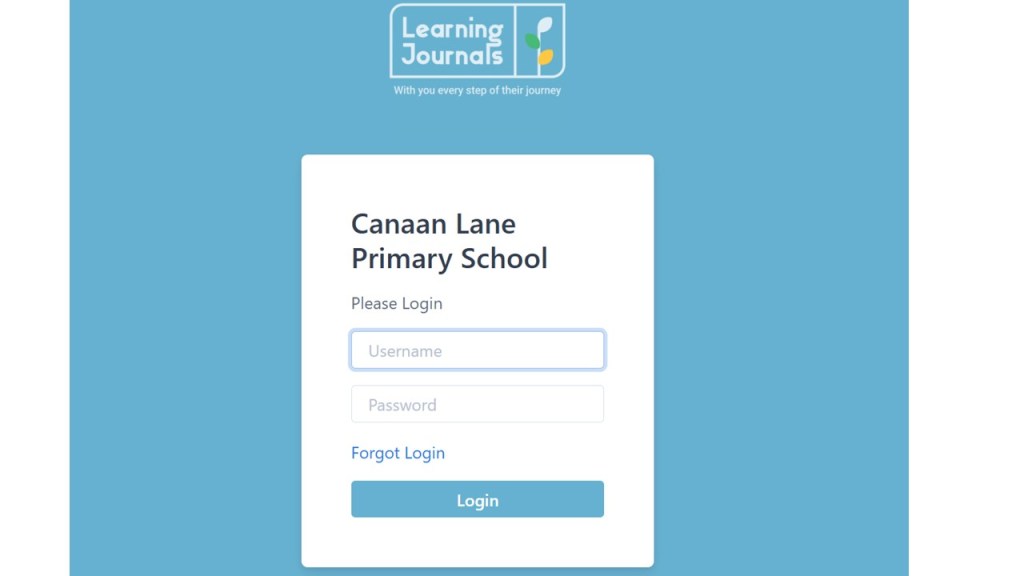
This is the log in screen. Enter your username and password. If you have lost or forgotten these let us know and we can ask for it to be reset. Please remember that password reset e-mails come direct from learning Journals so heck your junk mail if you do not receive it.
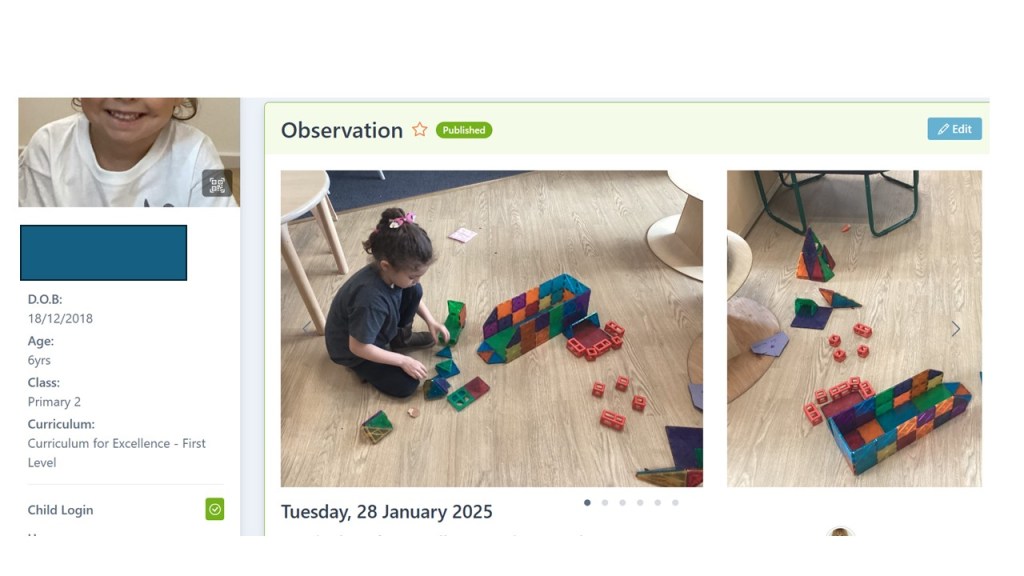
This is the screen you will see once you are logged in. The most recent observations or activities added by
staff will appear at the top and you cansc roll through these. You can select what you want to view observations, stories or parent contributions.
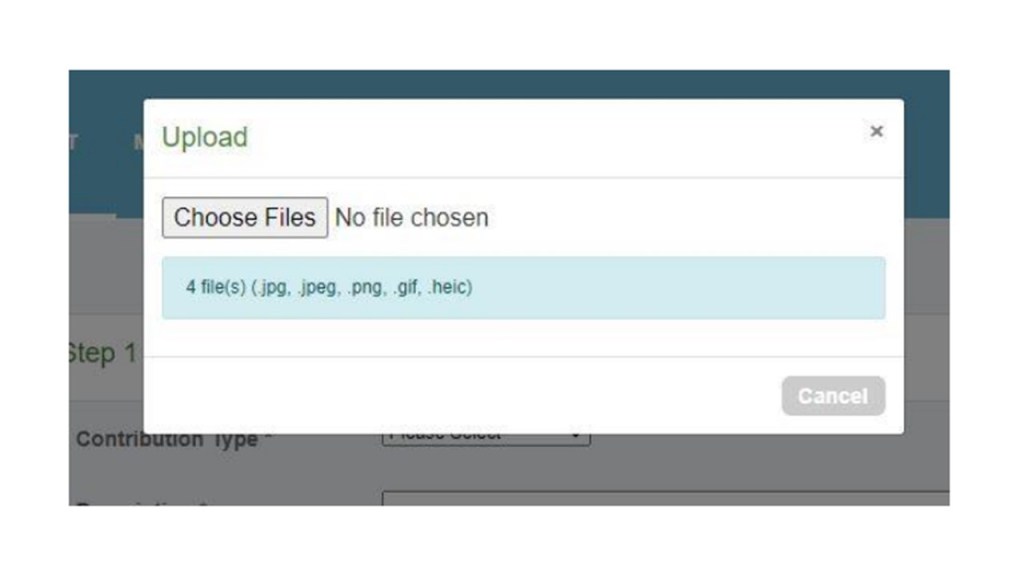
If you click the upload photo button You will see the following pop up box. You can select up to 4 photos. You can add a file such as scanned drawings or writing. If you have no files or if you have added your files, click publish.
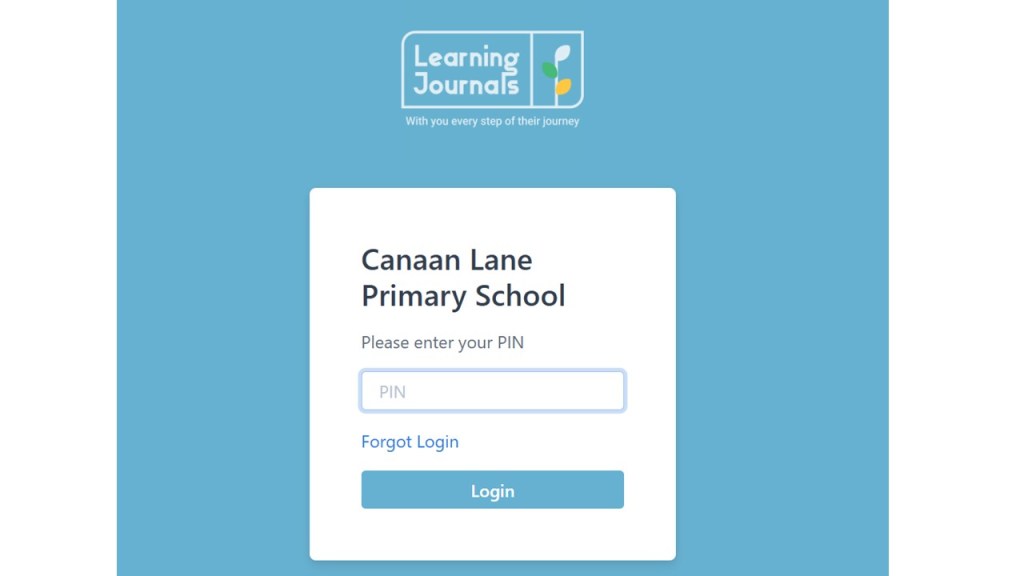
Next you will be asked to enter your PIN which you set up when you first accessed your account. If you have lost or forgotten these let us know and we can ask for it to be reset.
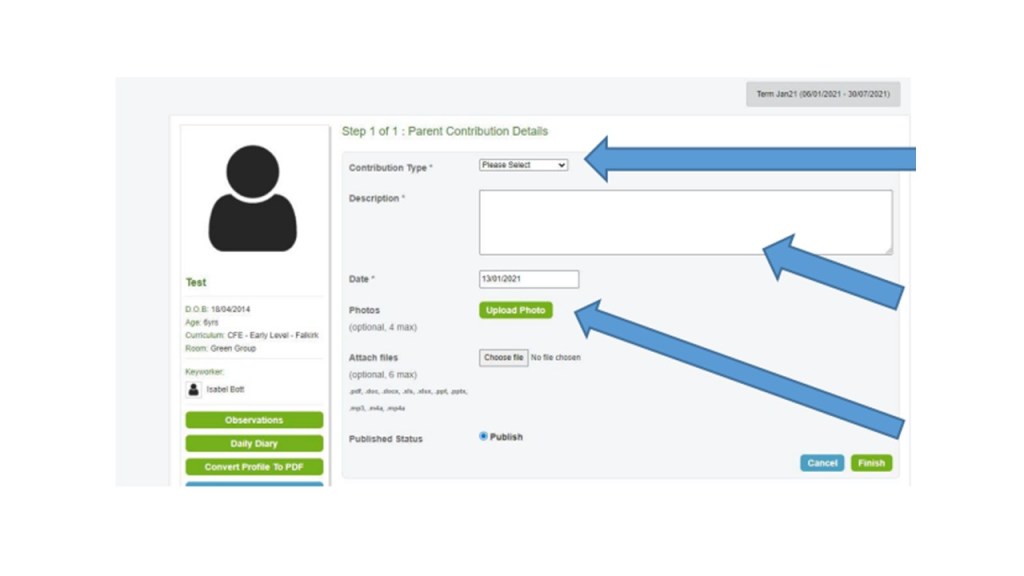
You can add a comment about the
story/activity or observation by typing in the box highlighted (don’t forget to click save). You can also ask staff questions about the activity here and they will send you a reply as soon as they can.
 Canaan Lane Primary School